
Opt Out Guides
OnlineSearches Opt Out Guide
Before You Opt Out of OnlineSearches, Check Your Exposure
Privacy Writer
A. J. MercerAva J. Mercer
Updated
Read
5 min
Before You Opt Out of OnlineSearches, Check Your Exposure
OnlineSearches can expose personal information online like your name, home address, and phone number, which can impact privacy, online privacy, and raise unwanted identity theft risk. In general, people search sites collect basic information about people from public records and other commonly available sources.
How to opt out of OnlineSearches
Go to the official privacy page and use the opt-out links. You may have to send a request with your email address and then complete a quick check to proceed.
Checklist:
- Open the official form
- Enter your email address
- Complete CAPTCHA
- Finish the check step
- Save the receipt
- Set a 3–6 month reminder
Find out if your private details were exposed
OnlineSearches – Quick Facts
| Parameter | Value |
| Domain | publicrecords.onlinesearches.com |
| Data Types | contact info, address history, relatives/associates, and links to record categories |
| Opt-out Methods | web form (portal) |
| Identity Verification | code via email/SMS or email link |
| Typical Response Time | 7–14 days |
| Re-listing Risk | medium |
OnlineSearches is a people search directory for public records lookups. It notes it is powered by Intelius and does not provide consumer reports.
Common data you may find:
- Names and aliases
- Addresses (current and past)
- Relatives or household links
- Property records
- Court records
- Criminal records
- Employment history
- Employer
- Background check
Step-by-Step Guide
Open the official opt-out form
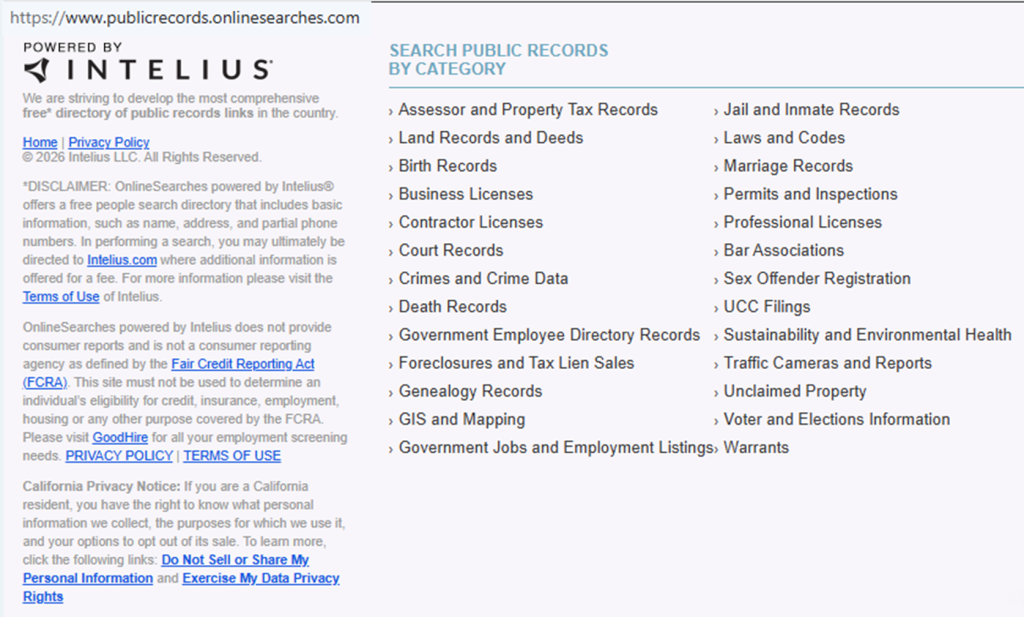
Open the site in a browser. Scroll to the footer to find the privacy link. If you take screenshots, blur sensitive information first. If the page won’t load, try incognito once, then reconnect and refresh.
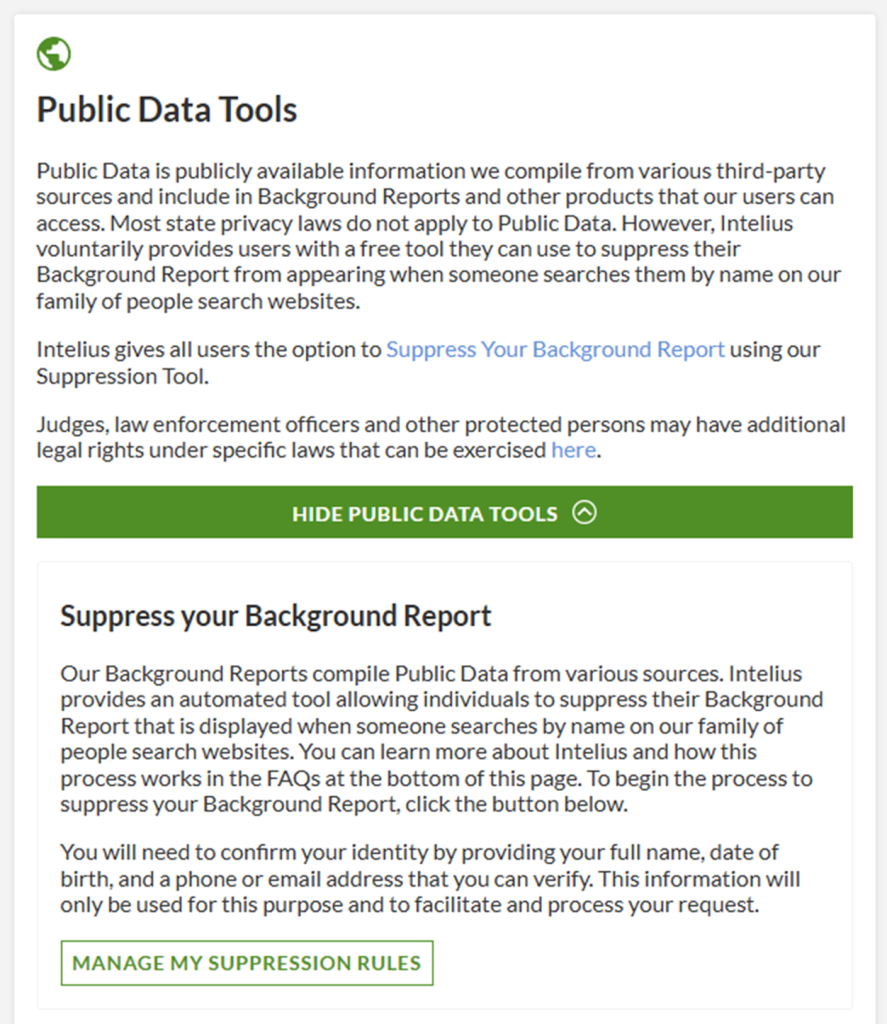
Submit your identifiers (email + CAPTCHA)
Enter only what the form asks for, then complete CAPTCHA and submit. Sites may require a checkbox agreeing to terms before you can continue; use the minimum needed to match the record. If you do this manually, keep notes on what you entered and when.
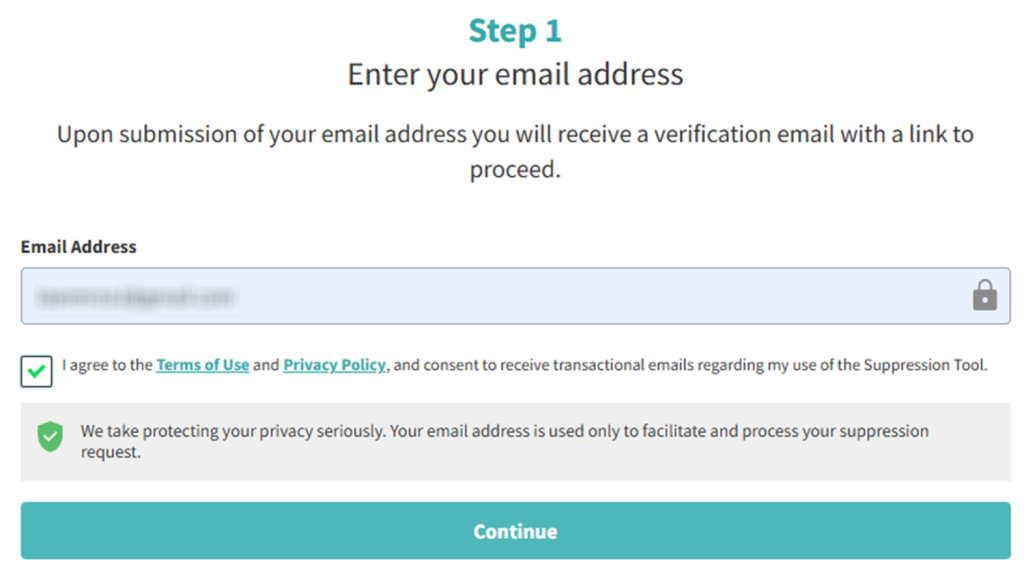
Verify via code or link (email/SMS)
Open the message and follow the code/link instructions. If nothing arrives, check spam, wait a few minutes, and resend once. Save the final page that shows the action completed.
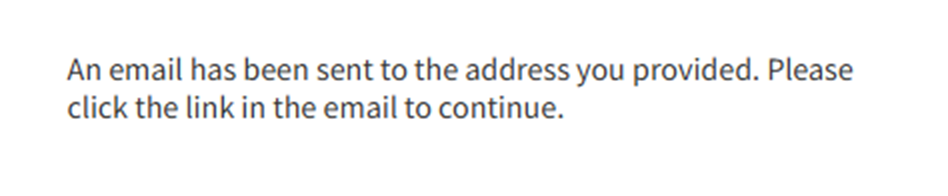
Confirm deletion / Do-Not-Sell request
After the check step, choose the option that hides the public listing (often labeled deletion). If you see a suppression request option, use it for the exact record you found. This step supports data removal and helps you protect your personal privacy and security, but it won’t automatically end billing.
Track confirmation & timeline
Record the date you submitted and keep the page link as your proof. Most updates appear within 7–14 days, but may take some time to propagate. If you don’t see changes, repeat the process once and keep your notes so you can follow up.
Timelines, Verification & What to Expect
Typical handling is 7–14 days, and the entire process is easiest when you keep one dated note. You may see an on-page status right away and a follow-up message later. If there’s no change after 14 days, use the official contact route and send one removal request again with the page link and date. Keep your copy of the message, and make sure your information is consistent with the listing so the site can match it.
Edge Cases & Troubleshooting
- No access to the original contact: ask support for an alternate path and provide only the minimum personal details.
- “Record not found”: try searching your name with a middle initial or prior city, then try again.
- CAPTCHA or submission errors: refresh, clear cookies, and try again.
- Code not arriving: resend once.
- Region limits (EU/UK/CA): use the privacy notice link and follow the options shown; some tools may redirect.
- Listing vs account confusion: deleting a login is different from hiding a listing; focus on the listing first.
- Follow-up after a failed attempt: you may need to submit again after 24 hours.
- Safety issue: if a stalker is involved, prioritize removing your address and keep proof.
Will my data reappear?
Yes, it can. Listings can come back when aggregators refresh, when resellers update feeds, or when new public records create new information that gets indexed. Re-listing risk is real even after data removal, so keep records and check every 3–6 months. Also, review information from data brokers; even one data broker can republish listings and information from people search sites, so you can remove your personal information across related listings, and update privacy settings on online accounts and social media accounts to reduce your digital footprint.
Manual vs Assisted Removal
Manual:
Pros
- Take control, more precision, and fewer third parties that sell data.
Cons
- Can be time-consuming, and every site can relist;
- it helps to keep a one-time checklist while searching for your name and watching for personal information.
Assisted:
Pros
- A service that removes your information from listings can make it easier by tracking opt-out requests,
- handling follow-ups, and scanning search results.
Cons
- You may still need to verify what changed afterward, and you may need to delete your information again if it returns to protect your identity.
We remove your data for you - faster, verified, trackable.
Discover Which Sites Share Your Private Details—Instantly and Free.
FAQ
Provide only what the form requires, and avoid extra fields. If you prefer, use a separate email and keep the receipt. If you see errors, stop and try again later.
Refresh, clear cookies, and try again. If it keeps failing, switch devices or networks. Avoid rapid repeats; one clean attempt is usually better than many, and it can still protect your privacy.
Updates can lag across caches and partner feeds. Check again after two weeks. If it’s still visible, contact support once with the page link and the date you submitted.
Use a search engine and search for your full name plus a city. Open matching results and note any listing links. These are the steps you can take to submit an opt-out request.
Many directories refresh sources, so a listing may return. Keep your receipt, check quarterly, and resubmit quickly if it reappears.
OnlineSearches is a directory that links to record resources and categories. It notes it is powered by Intelius and is not intended to be used for consumer reports.
Many updates show within 7–14 days after you finish the check step. Save your receipt, then look again after two weeks. If it’s still visible, follow up once.
If you have an account, use its settings to request account closure, then stop billing in the membership area. This is separate from hiding a listing, so do both.
Recheck every 3–6 months. Moves, new jobs, or new listings can appear later, so it’s worth looking again.
Profiles can reappear due to refreshed data sources, partner feeds, or resellers. Repeating the same steps reduces how long the profile stays visible.

Posted by Ava J. Mercer
More Public & Property Records Removal Guides
- BlockShopper Opt Out Guide
- BusinessProfiles Opt Out Guide
- City-Data Opt Out Guide
- ClustrMaps Opt Out Guide
- Florida Residents Directory Opt Out Guide
- Homemetry Opt Out Guide
- Michigan Residents Database Opt Out Guide
- MineralHolders Opt Out Guide
- My Health Record Opt Out Guide
- Neighbor.Report Opt Out Guide
- NeighborWho Opt Out Guide
- NJ Parcels Opt Out Guide
- NJPropertyRecords Opt Out Guide
- North Carolina Resident Database Opt Out Guide
- Ohio Residents Database Opt Out Guide
- OnlineSearches Opt Out Guide
- Rehold Opt Out Guide
- SearchSystems Opt Out Guide
- US Records Opt Out Guide
- VoterRecords Opt Out Guide


