Opt Out Guides
FreePeopleDirectory: Opt Out Guide
Privacy Writer
A. J. MercerAva J. Mercer
Updated
Read
5 min
This free people directory can expose your name, address, and phone number, which increases privacy risk. The website generally compiles a public record and other sources into one listing that may show up in Google search results. Note: limit exposure, avoid adding extra info, and protect yourself – this opt-out guide keeps steps simple.
How to opt out of FreePeopleDirectory
Open the privacy page, paste the profile URL into the opt-out form, and confirm; opting out of freepeopledirectory.com often completes in 7–14 days.
Checklist:
- Open the privacy page
- Enter the identifiers
- Complete CAPTCHA
- Confirm via code
- Save proof
- Set a reminder
Find out if your private details were exposed

have already used our service
FreePeopleDirectory – Quick Facts
| Parameter | Value |
| Domain | freepeopledirectory.com |
| Types | contact data, address history, relatives |
| Opt-out Methods | web portal/mail |
| Identity Verification | code or on-page confirmation |
| Typical Response Time | 7–14 days |
| Re-listing Risk | medium |
This directory aggregates online listings from public and commercial sources and acts as a data broker.
Common data you may find:
- Property records
- Email databases
- Consumer indexes belonging
Step-by-Step Guide
Open the official page
Open the website. Next, go to freepeopledirectory.com and select the footer link. Before you save any screenshot, cover sensitive fields. You do not need to sign in.

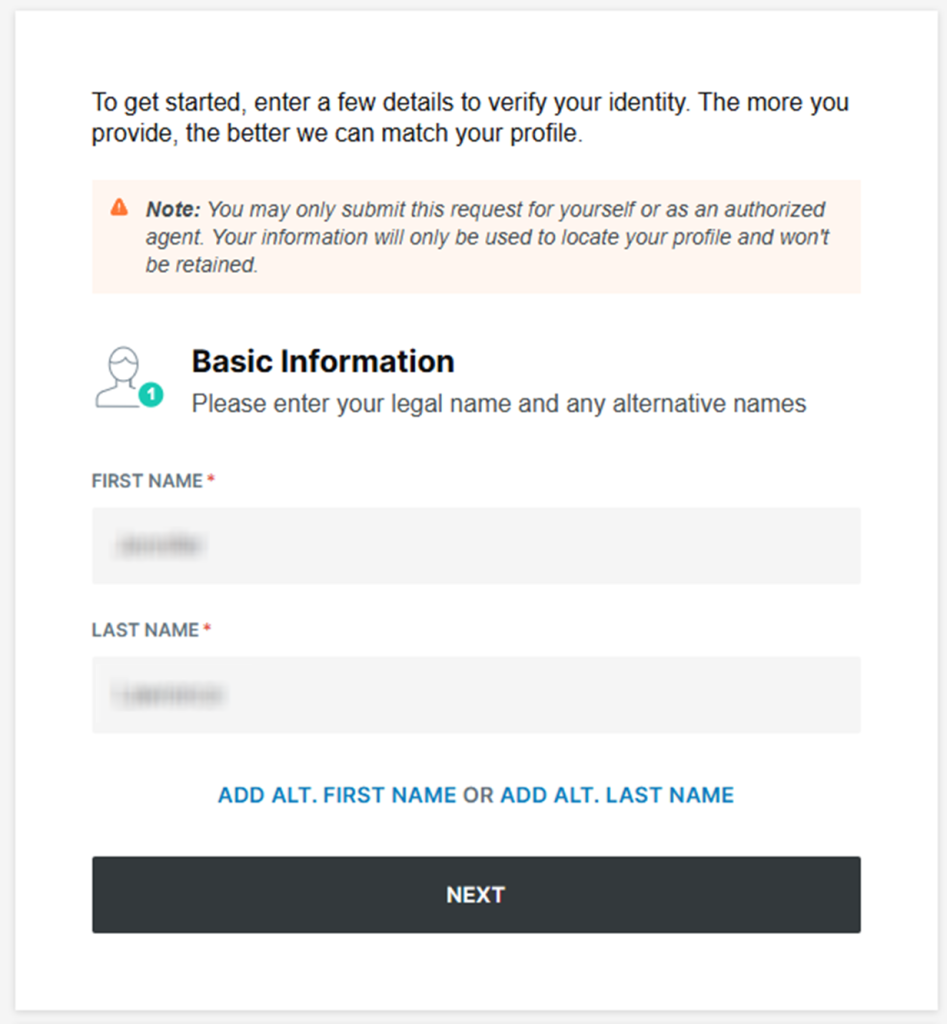
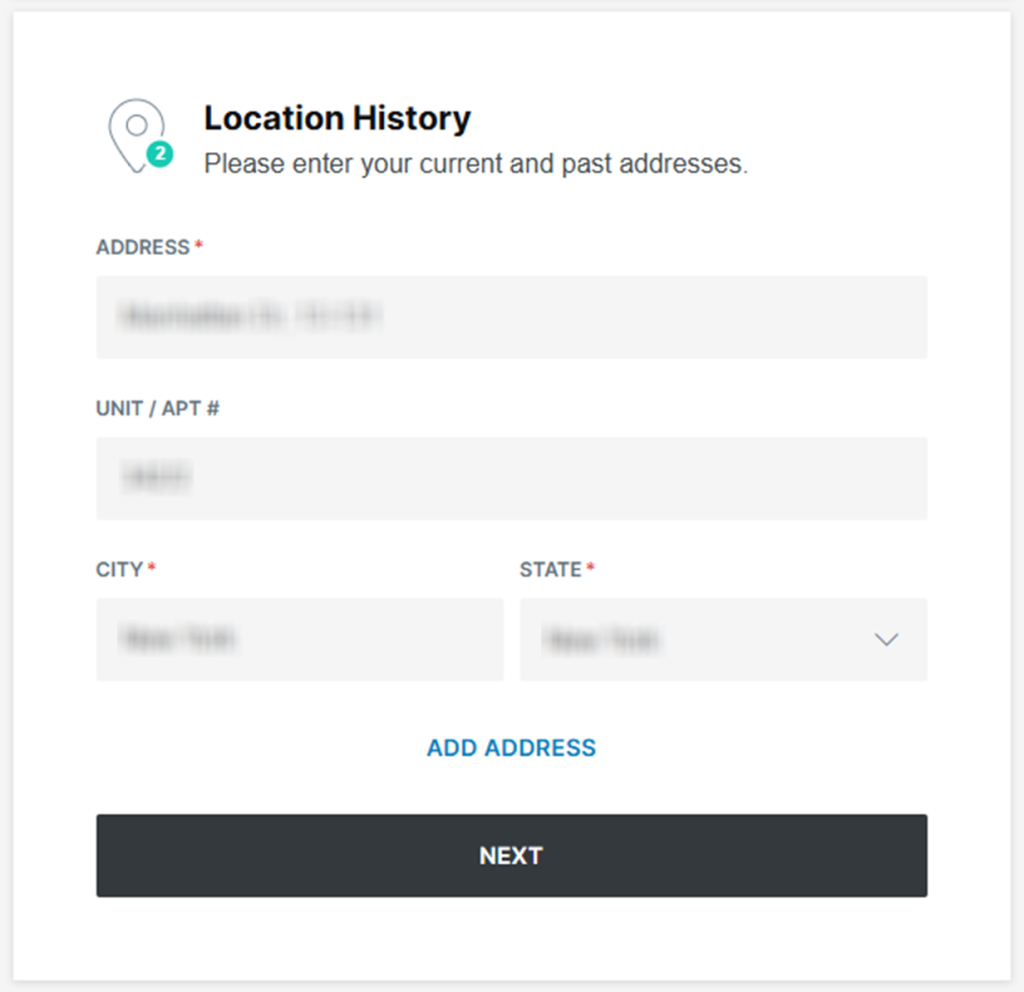
Submit your identifiers (name/phone/email/address + CAPTCHA)
Submit your identifiers (name/phone/email/address), then use the following verification steps shown on screen. Solve the CAPTCHA and press the submit button once. If the page errors, refresh once and try again in a private window. Keep screenshots redacted.
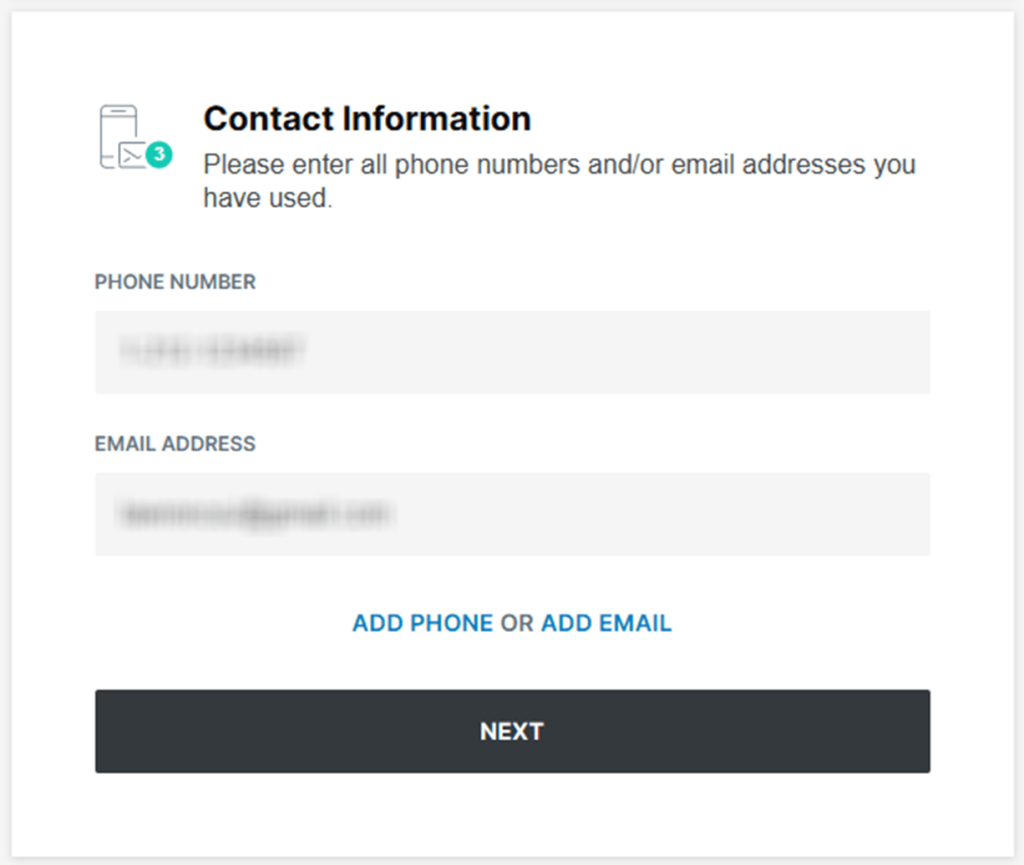
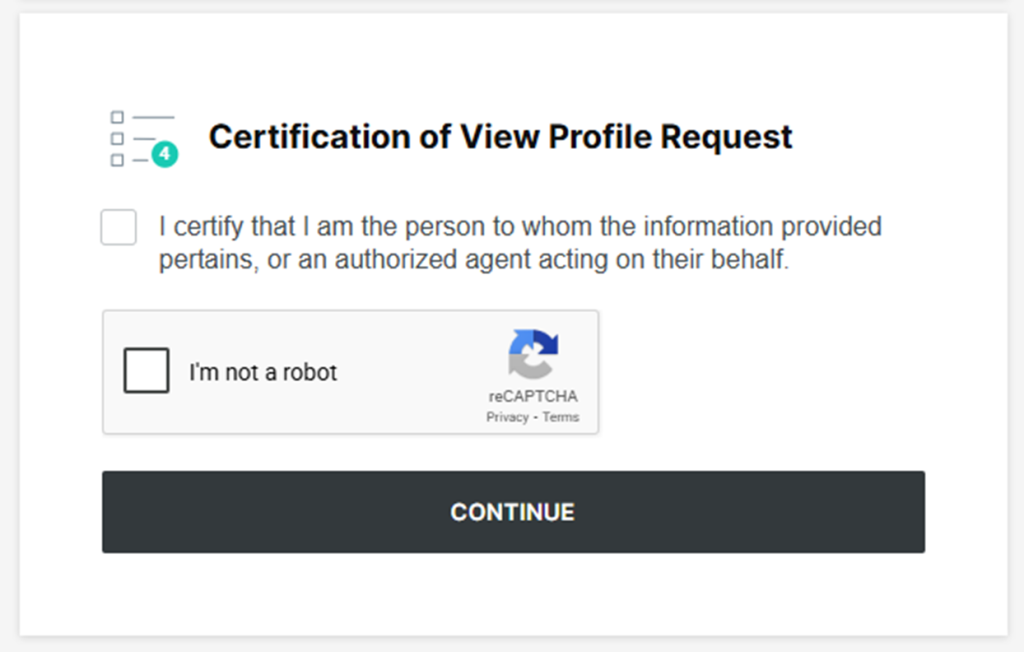
Verify via code or link (SMS)
Complete the verification prompt as soon as it appears. If a code does not arrive, check Spam and try again once. If you receive a link, click it and follow the on-screen steps until you see confirmation. Save the final confirmation screen for your records. Cover identifiers before sharing any image.
Confirm deletion / Do-Not-Sell request
After you verify, you should see an on-page message that your submission was received. Save that message and note the date for tracking. Choose the option that stops public display of the listing; do not add extra data. If you need help, use the footer support link.
Track confirmation & timeline
Wait 7–14 days, then repeat the same search to confirm the listing is gone. Save a dated screenshot and one short detail about what changed. If the listing is still visible after that window, submit it one time and keep the newest proof.
Timelines, Verification & What to Expect
After you submit and verify, processing typically takes 7–14 days. You may see immediate confirmation, but completion can depend on the next update cycle. Check again after the full window. If you receive no confirmation within 2 days, retry once in a different browser. If nothing changes after 14 days, use the footer support link. Include the URL of your data plus the date, so they can locate the listing.
Edge Cases & Troubleshooting
- Inbox problem: retry once with a different inbox and keep a screenshot for proof.
- “Record not found”: repeat the search with past locations, then open each listing to verify.
- CAPTCHA errors: refresh, disable blockers, or try a new network.
- Region blocks (EU/UK/CA): look for an alternate portal.
- Subscription confusion: cancel any separate account, then complete listing takedown.
Will my data reappear?
Listings can return when aggregators refresh feeds or when resellers republish similar entries. To reduce recurrence, set a 3–6 month reminder, keep proof, and submit again quickly if the listing returns. It also helps to check related data broker listings on other sites, because one source can reseed another and affect Google results.
Manual vs Assisted Removal
Manual:
- Pros: Free and gives you control; do it manually.
- Cons: More time across each site.
Assisted:
- Pros: Can automate monitoring; checks run automatically.
- Cons: Service options vary; choose a plan; paid plans starting at tiered rates; compare sites covered and custom removals.
“Excellent”
We remove your data for you - faster, verified, trackable.
Discover Which Sites Share Your Private Details—Instantly and Free.
have already used our service
FAQ
Receive expert privacy advice by email - 1-2 times per month, no fluff.
Share Article

Posted by Ava J. Mercer
Ava J. Mercer is a privacy writer at ClearNym focused on data privacy, data broker exposure, and practical privacy tips. Her opt-out guides are built on manual verification: Ava re-tests broker opt-out processes on live sites, confirms requirements and confirmation outcomes, and updates guidance when something changes. She writes with a simple goal - help readers take the next right step to reduce unwanted exposure and feel more in control of their personal data.
View AuthorMore People Search Removal Guides
- 411.com Opt Out Guide
- Advanced People Search Opt Out Guide
- BeenVerified Opt Out Guide
- CheckSecrets Opt Out Guide
- Find People Fast Opt Out Guide
- GladIKnow Opt Out Guide
- Instant Checkmate Opt Out Guide
- OfficialUSA Opt Out Guide
- PeekYou Opt Out Guide
- PeopleFinders Opt Out Guide
- PeopleSmart Opt Out Guide
- PersonSearchers Opt Out Guide
- Public Data Check Opt Out Guide
- Radaris Opt Out Guide
- SearchPeopleFREE Opt Out Guide
- Social Catfish Opt Out Guide
- Spokeo Opt Out Guide
- ThatsThem Opt Out Guide
- TruthFinder Opt Out Guide
- USA People Search Opt Out Guide
- Whitepages Opt Out Guide